


Latest Version
Latest
November 29, 2026
imo.im
Communication
Android
0
Free
com.imo.android.imoim
Report a Problem
More About imo
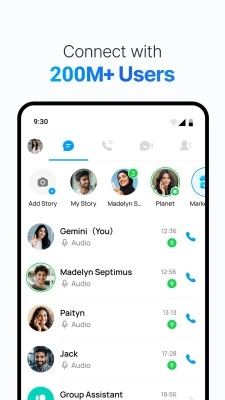
imo is a free video calling and messaging app made for staying in touch with family and friends across borders. It is especially popular for international calls, because it is built to work well even on slow or unstable mobile connections — so a call to family back home stays clear where other apps drop out.
Key Features
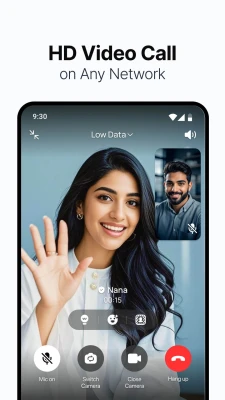
- Free video calls: high-quality one-to-one video calls anywhere in the world
- Voice calls: clear international voice calls over Wi-Fi or mobile data
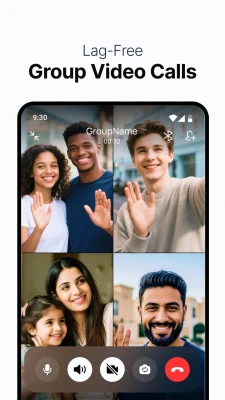
- Group calls: bring family and friends together in one video or voice call
- Instant messaging: text, photos, videos, voice messages and stickers
- Works on slow networks: optimised for 2G and weak connections
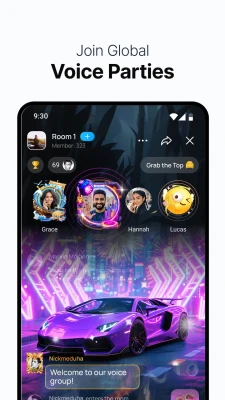
- Stories and groups: share moments and chat in groups with people you know
- Stickers and emojis: fun stickers and emojis to make chats livelier
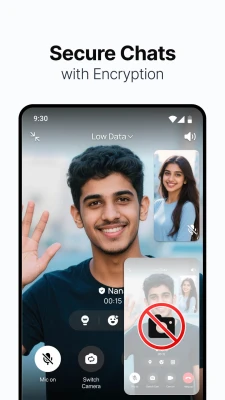
- Private and secure: your chats and calls stay between you and your contacts
How to Install imo on Android
1. Tap the download button on this page to open imo in the Google Play Store.
2. Tap Install and wait for the download to finish.
3. Open imo, enter your phone number and verify it with the code you receive.
4. Add your contacts and start calling or chatting for free.