


Latest Version
Latest
November 28, 2026
Discord Inc.
Communication
Mac
1
Free
Report a Problem
More About Discord
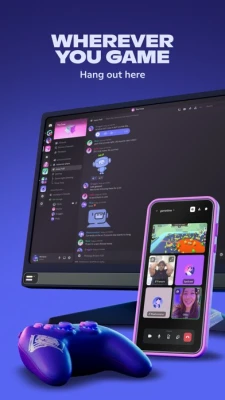
Discord is a free place to talk, play and hang out with the people who matter to you. Join a server for your favourite game, hobby or study group, or start your own and invite your friends — everything from text chat to voice calls and video is in one app, and it runs beautifully on Mac.
Key Features
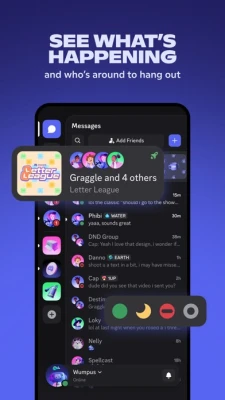
- Servers and communities: join or create servers for games, study groups, clubs and friends
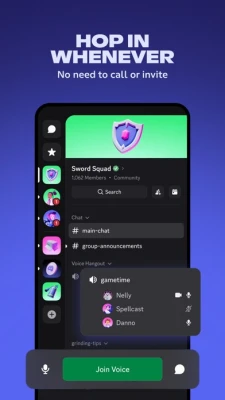
- Voice channels: hop into a voice channel and talk instantly, no calling needed
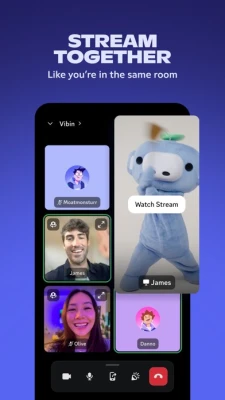
- Video and screen share: video call friends or stream your game or screen in high quality
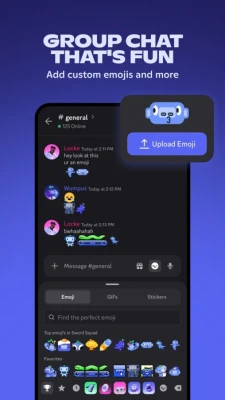
- Text chat: organised channels, threads, reactions and replies keep conversations tidy
- Direct messages: private chats and group DMs with people you know
- Go Live: stream what you are playing or working on to your server
- Works everywhere: your chats and servers sync between Mac, phone and the web
- Free to use: servers, voice, video and messaging cost nothing
How to Install Discord on Mac
1. Tap the download button on this page to open the official Discord download page.
2. Click Download for Mac to get the Discord.dmg file (one file covers Apple silicon and Intel Macs).
3. Open the .dmg file and drag the Discord icon into the Applications folder.
4. Open Discord from Applications, sign in or create a free account, and join your first server.