


Latest Version
Latest
November 27, 2026
Telegram FZ-LLC
Communication
Android
0
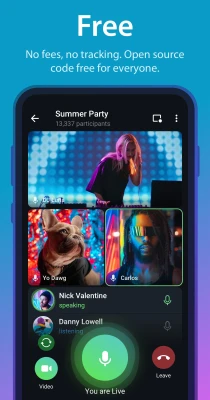
Free
org.telegram.messenger
Report a Problem
More About Telegram
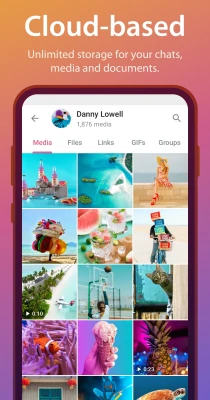
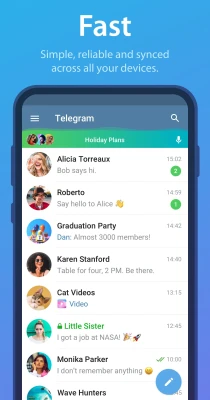
Telegram is a cloud-based instant messaging app focused on speed and security. Because your chats live in the Telegram cloud, you can start a conversation on your phone and continue it on your tablet, computer or web browser — everything stays in sync, and you never lose your history when you switch devices.
Key Features
- Cloud chats: access your messages from any device, with unlimited media and file storage
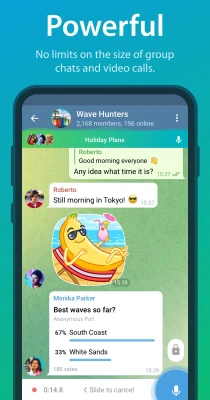
- Supergroups: communities of up to 200,000 members with admin tools, polls and topics
- Channels: broadcast updates to unlimited subscribers — news, sports, education and more
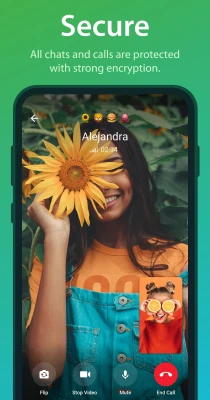
- Secret chats: end-to-end encrypted chats with self-destructing messages
- Bots and stickers: thousands of useful bots, animated stickers and custom themes
- Large file sharing: send files up to 2 GB each, in any format
How to Install Telegram on Android
1. Download Telegram from this page and open the file.
2. Allow the requested permissions for contacts and notifications.
3. Enter your phone number and verify it with the code you receive.
4. Set your name and photo — you are ready to message.