
Latest Version
Latest
November 27, 2026
Meta Platforms, Inc.
Communication
Android
0
Free
com.facebook.orca
Report a Problem
More About Messenger
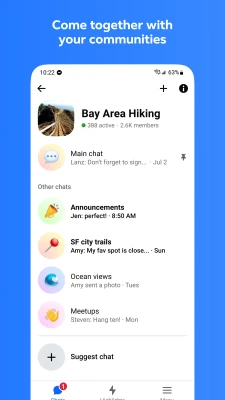
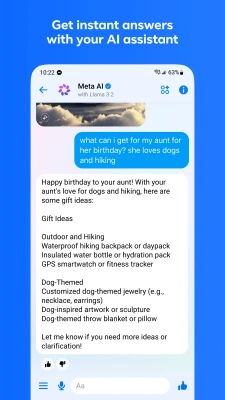
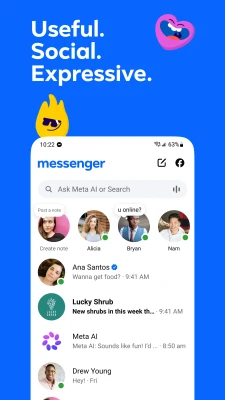
Messenger is the dedicated messaging app from Meta, built for fast and fun conversations with your Facebook friends and Instagram contacts. Chat one-to-one or in groups, jump into voice and video calls, and express yourself with stickers, GIFs and reactions.
Key Features
- Free messaging: text, photos, videos, voice notes and files over Wi-Fi or mobile data
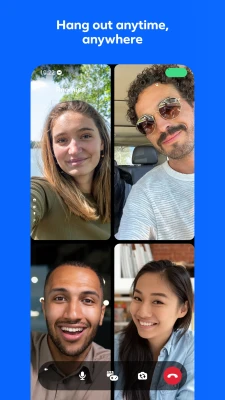
- Voice and video calls: high-quality calls with up to 50 people in group rooms
- Cross-app chat: message Instagram contacts directly from Messenger
- Fun tools: stickers, GIFs, effects, filters and message reactions
- Stories and media: share daily moments and view friends' updates
- Privacy controls: message encryption options, block and report tools
How to Install Messenger on Android
1. Download Messenger from this page and open the file.
2. Sign in with your Facebook account.
3. Allow contacts and notification permissions to find your friends.
4. Pick a chat and start messaging or calling.