




Latest Version
Latest
November 28, 2026
Snap, Inc.
Communication
iOS
1
Free
Report a Problem
More About Snapchat
Snapchat is a fast and fun way to share the moment with your friends and family. Open the camera, take a Snap, and send it to a friend or add it to your Story — your photos and videos disappear after they are viewed, so sharing feels natural and spontaneous.
Key Features
- Snaps: send photos and videos that disappear after they are seen
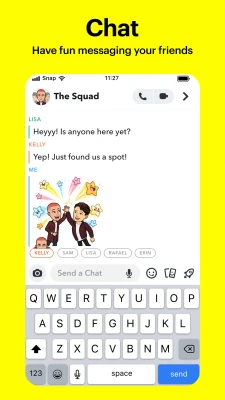
- Chat: message friends with text, voice notes, stickers and video calls
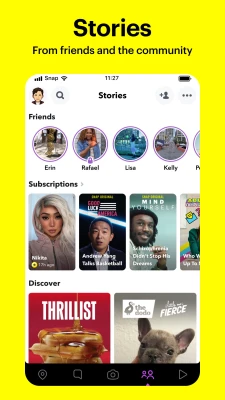
- Stories: share your day with friends, or watch what they are up to
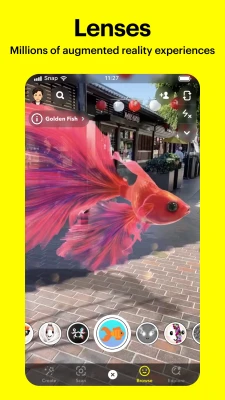
- Lenses and filters: turn yourself into anything with AR Lenses, face filters and Bitmoji
- Spotlight: watch short, entertaining videos from creators around the world
- Snap Map: see where your friends are and explore Snaps from places nearby
- Memories: save your favourite Snaps and Stories to look back on later
- Privacy controls: choose who can contact you, view your Story and see your location
How to Install Snapchat on iPhone
1. Tap the download button on this page to open Snapchat in the App Store.
2. Tap Get and confirm with Face ID, Touch ID or your Apple ID password.
3. Open Snapchat and create an account, or sign in if you already have one.
4. Add friends from your contacts and send your first Snap.