
Latest Version
Latest
November 27, 2026
Google LLC
Android
0
Free
com.google.android.gm
Report a Problem
More About Gmail
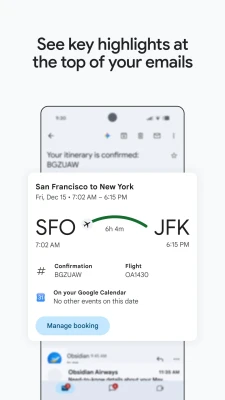
Gmail is the official email app from Google, used by billions of people worldwide. It combines a clean, organised inbox with Google's powerful search and industry-leading spam protection, and it works with your other email accounts too.
Key Features
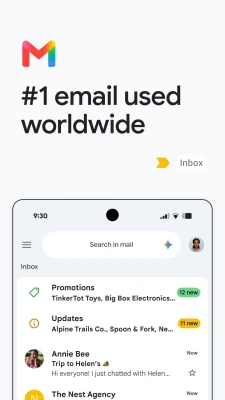
- Smart inbox: email automatically sorted into Primary, Social and Promotions
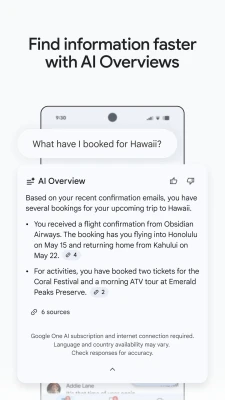
- Powerful search: find any message instantly with Google search technology
- Spam protection: blocks phishing, spam and malware before they reach you
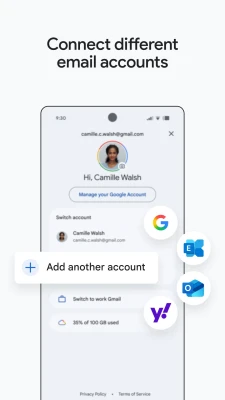
- Multiple accounts: use Gmail, Outlook, Yahoo and IMAP accounts in one app
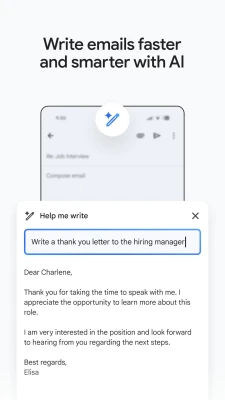
- Smart replies and Compose help: suggested responses and writing assistance
- Attachments and Drive: preview files and save attachments straight to Google Drive
How to Install Gmail on Android
1. Download Gmail from this page and open the file.
2. Sign in with your Google account, or add another email account.
3. Allow notifications so you never miss an important email.
4. Tap the compose button to send your first email.