



Latest Version
Latest
November 28, 2026
Signal Messenger, LLC
Communication
Android
1
Free
org.thoughtcrime.securesms
Report a Problem
More About Signal Private Messenger
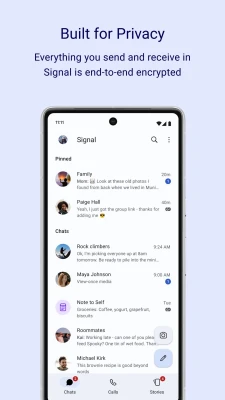
Signal is a private messaging app built around one simple idea: your conversations belong to you. Every message, voice call and video call is protected with end-to-end encryption, so only you and the person you are talking to can read or hear it — not even Signal can see your chats.
Key Features
- End-to-end encryption: every message and call is private by default
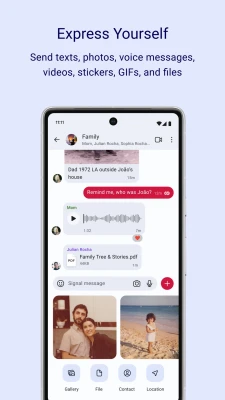
- Free messaging: text, photos, videos, voice notes and files at no cost
- Voice and video calls: clear one-to-one and group calls
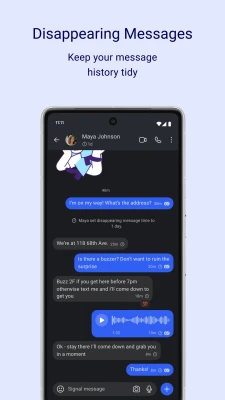
- Disappearing messages: set messages to vanish after a chosen time
- No ads, no trackers: a nonprofit app with no advertising or data selling
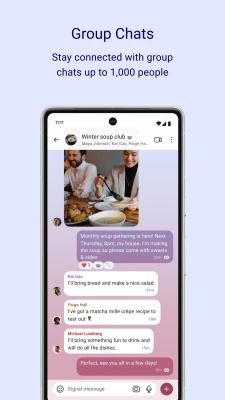
- Group chats: create groups with up to 1,000 members
- Stickers and reactions: express yourself with built-in stickers and emoji reactions
- Privacy extras: screen lock, registration lock and sealed sender
How to Install Signal on Android
1. Download Signal from this page and open the file.
2. Register with your phone number and enter the verification code.
3. Set your profile name and photo, then start chatting.
4. Invite friends from your contacts to join Signal.