




Latest Version
Latest
November 29, 2026
PicsArt, Inc.
Media
Android
0
Free
com.picsart.studio
Report a Problem
More About Picsart
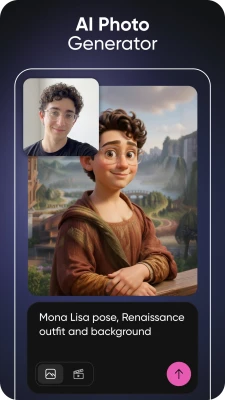
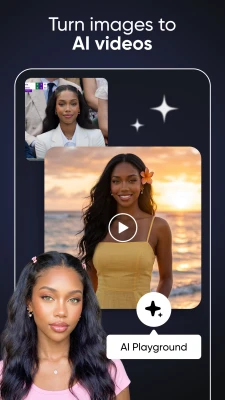
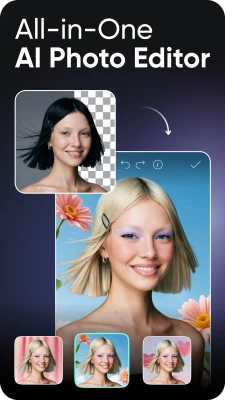
Picsart is an all-in-one AI photo editor, video editor and design studio that makes creative editing easy for everyone. From a quick photo touch-up to a full social media post, Picsart puts professional tools — filters, effects, background remover, stickers and AI features — into one free app that anyone can learn in minutes.
Key Features
- AI photo editing: enhance photos, remove objects and backgrounds with one tap
- Filters and effects: hundreds of filters, artistic effects and colour tools
- Collage maker: combine photos into grids, freestyle collages and frames
- Stickers and text: millions of free stickers, fonts and text styles
- Video editor: trim, add music, effects and text to your videos
- Drawing tools: draw, sketch and paint directly on your photos
- Templates: ready-made designs for Instagram posts, stories, posters and more
- Share anywhere: export your creations and share them on any app
How to Install Picsart on Android
1. Tap the download button on this page to open Picsart in the Google Play Store.
2. Tap Install and wait for the download to finish.
3. Open Picsart and create a free account, or continue as a guest.
4. Pick a photo or a template and start editing — export and share when you are done.