

Latest Version
Latest
November 27, 2026
Bytedance Pte. Ltd.
Media
Android
0
Free
com.lemon.lvoverseas
Report a Problem
More About CapCut
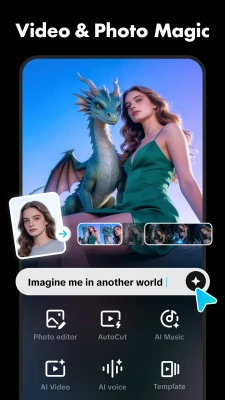
CapCut is a powerful free video editor designed for the short-video era. Whether you are editing a TikTok, a YouTube Short or a family video, CapCut packs professional tools into a simple timeline that anyone can learn in minutes.
Key Features
- Full editing suite: trim, split, merge, speed control, reverse and freeze frames
- Effects and filters: trending transitions, glitch, blur, and cinematic colour filters
- Music and sounds: a large library of tracks and sound effects, plus audio extraction
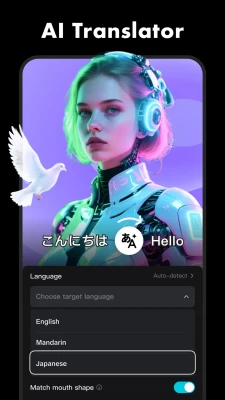
- Auto captions: generate subtitles automatically in multiple languages
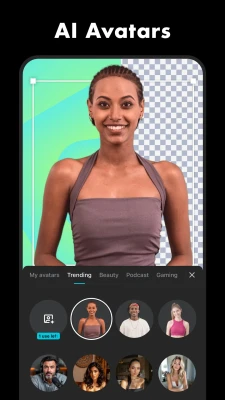
- Background tools: remove or replace backgrounds without a green screen
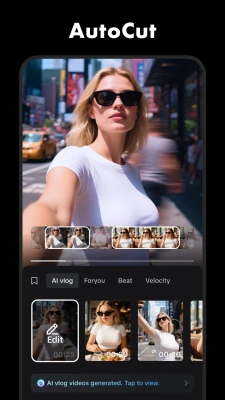
- Templates: one-tap viral templates — just add your clips and export
How to Install CapCut on Android
1. Download CapCut from this page and open the file.
2. Allow access to your photos and videos.
3. Tap New Project and choose the clips you want to edit.
4. Edit, preview and export in up to 4K quality.