



Latest Version
14.45
November 29, 2026
Pinterest, Inc.
Entertainment
iOS
434.3 MB
0
Free
Report a Problem
Old Versions of Pinterest
More About Pinterest
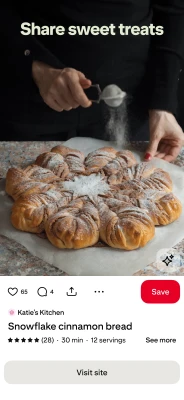
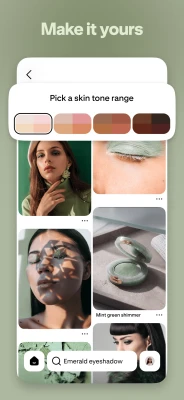
Pinterest is a visual discovery app where you find ideas for almost everything in life — a new look for your living room, a recipe for tonight, an outfit for the weekend, or a place for your next trip. Instead of typing what you already know, you browse photos and videos, and every image you like can be saved to a board so you never lose it.
Key Features
- Visual search: point your camera at something you like and find similar ideas
- Boards: save Pins into themed boards — home, food, style, travel and more
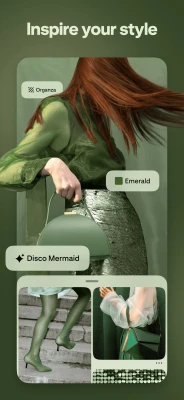
- Personalised home feed: ideas matched to your tastes, updated every day
- Shoppable Pins: find products you love and buy them from the retailer
- Collaborative boards: plan a wedding, a trip or a party with friends
- Video Pins: watch short how-to videos and tutorials from creators
- Messages: share ideas with friends and plan together in chat
- Free to use: browse and save ideas without paying anything
How to Install Pinterest on iPhone
1. Tap the download button on this page to open Pinterest in the App Store.
2. Tap Get and confirm the download with Face ID, Touch ID or your Apple ID password.
3. Open Pinterest and sign in with your email, Google or Apple account — or continue as a guest.
4. Pick a few interests and start exploring your home feed and saving Pins.