

Latest Version
Latest
November 28, 2026
Netflix, Inc.
Entertainment
Android
1
Free
com.netflix.mediaclient
Report a Problem
More About Netflix
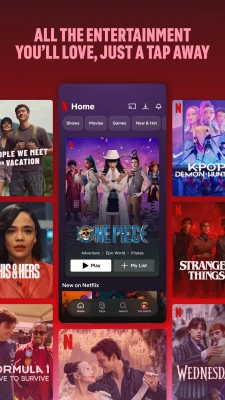
Netflix brings thousands of movies, TV shows and documentaries to your Android phone or tablet. From award-winning Netflix Originals to popular series and films, you can start watching in seconds and continue on any screen exactly where you left off.
Key Features
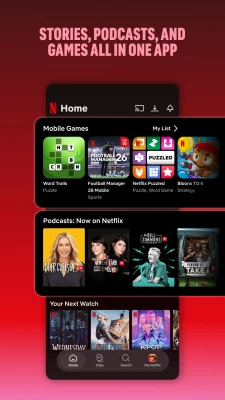
- Huge library: movies, TV shows, documentaries and Netflix Originals
- Offline downloads: save titles on Wi-Fi and watch without internet
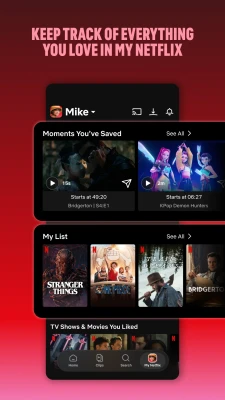
- Multiple profiles: separate profiles for each member of the household
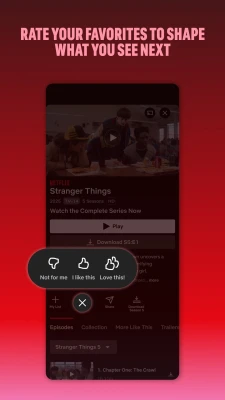
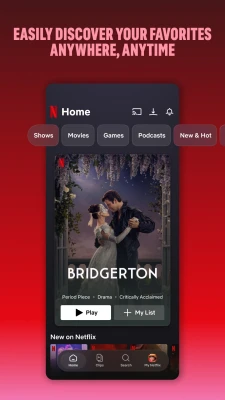
- Smart recommendations: personalised suggestions based on what you watch
- Continue watching: resume any title across phone, tablet and TV
- Kids mode: a safe, age-appropriate space for children
- Cast support: send what you are watching to your TV with Chromecast
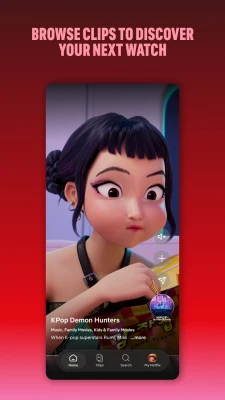
- Previews and trailers: browse clips before you commit to a title
How to Install Netflix on Android
1. Download Netflix from this page and open the file.
2. Sign in with your Netflix account, or create one in the app.
3. Choose your profile and browse movies and shows.
4. Tap Download on any title to watch it offline later.