
Latest Version
1.148.0
November 28, 2026
Microsoft
IT Tools
Mac
0
Free
Report a Problem
More About Visual Studio Code
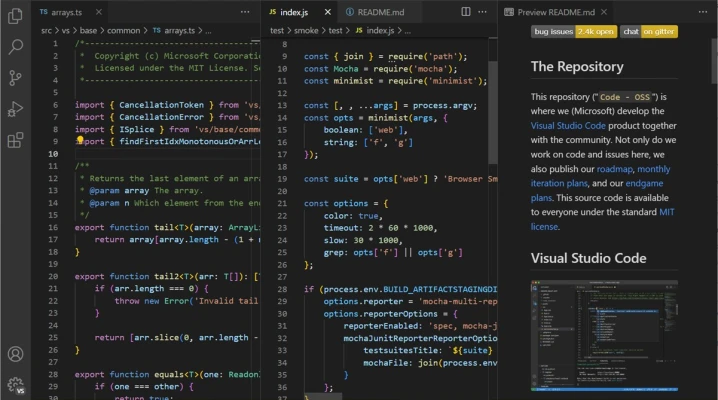
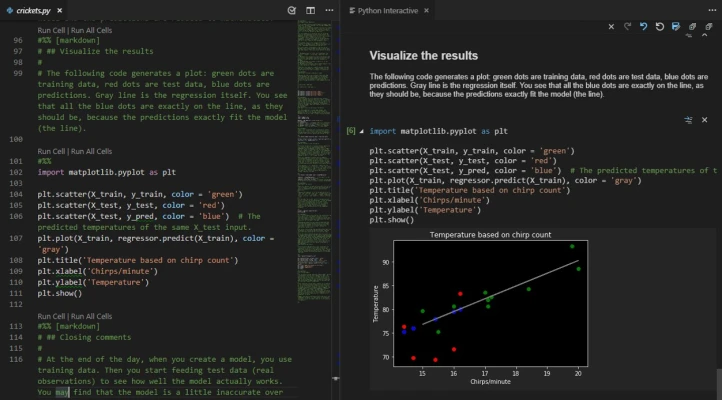
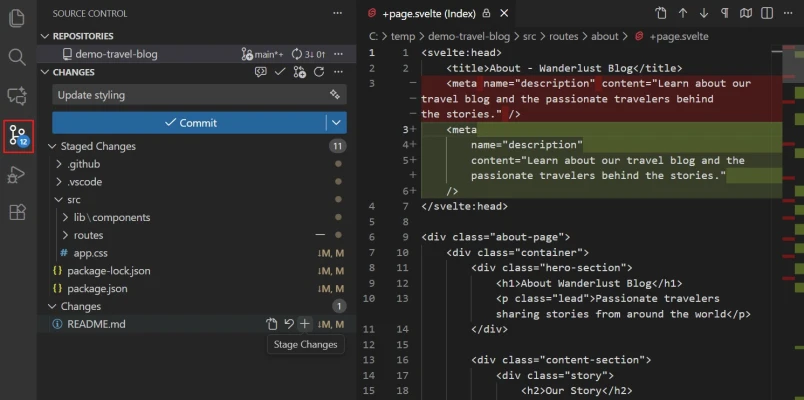
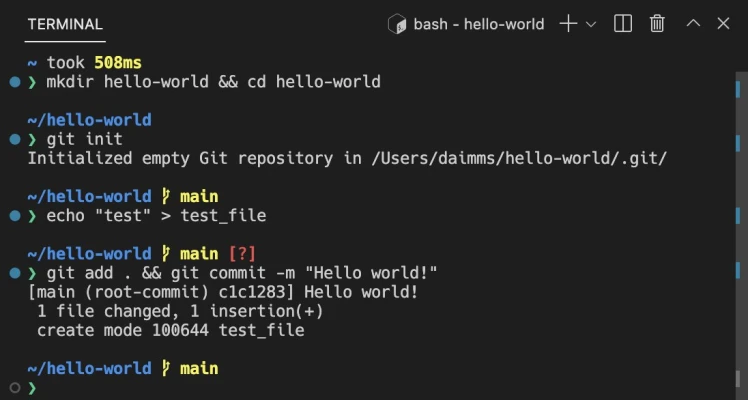
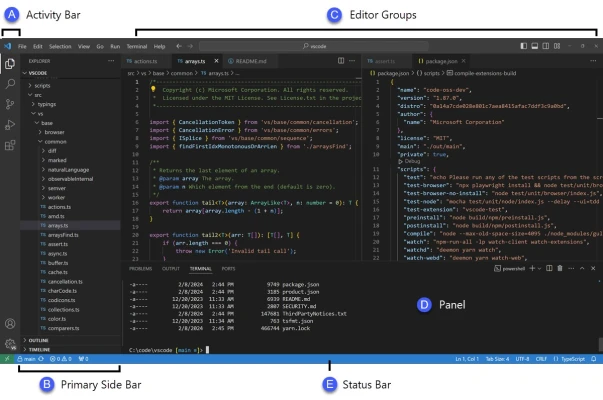
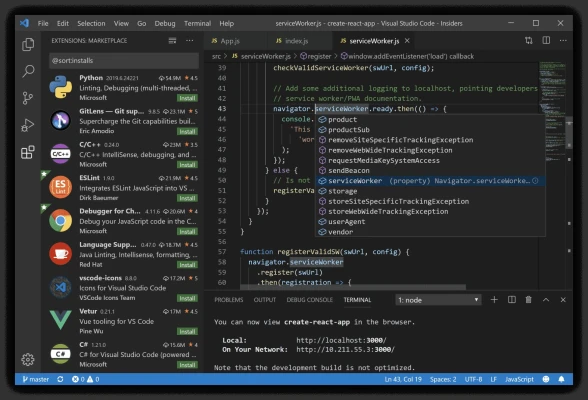
Visual Studio Code is a free, lightweight code editor from Microsoft that runs beautifully on Mac. It supports almost every programming language — JavaScript, Python, Java, C++, Go, Rust and many more — with smart code completion, debugging and Git built in, so you can start coding in minutes without a heavy install. Key Features: Light and fast — opens in seconds and stays responsive, even on large projects. Extensions — thousands of free extensions add languages, themes, linters and tools. IntelliSense — smart completions, parameter hints and quick info as you type. Debugging — set breakpoints, inspect variables and step through code without leaving the editor. Git built in — review diffs, stage changes and publish branches from the sidebar. Integrated terminal — run commands, scripts and builds without switching apps. AI assistance — Copilot chat and inline suggestions help you write code faster. Customisable — themes, keybindings, settings sync and a layout that fits your workflow. Free and open source — no cost, no ads, no licence keys. How to Install Visual Studio Code on Mac: 1. Tap the download button on this page to open the official Visual Studio Code download page. 2. Click Download for macOS to get the Universal .dmg file (one file works on Apple silicon and Intel Macs; macOS 12.0 or later). 3. Open the .dmg file and drag Visual Studio Code into the Applications folder. 4. Open Visual Studio Code from Applications and pick your first extensions to start coding.