

Latest Version
Latest
November 28, 2026
The Document Foundation
IT Tools
Linux
1
Free
Report a Problem
More About LibreOffice
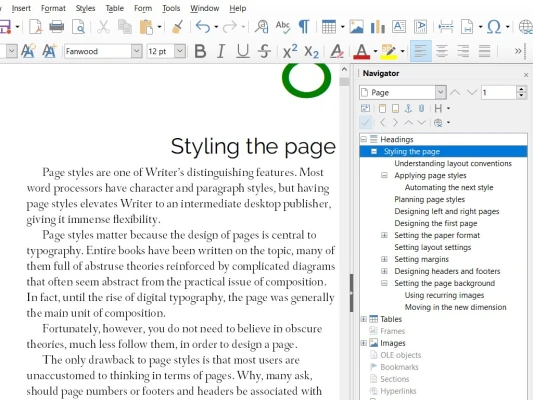
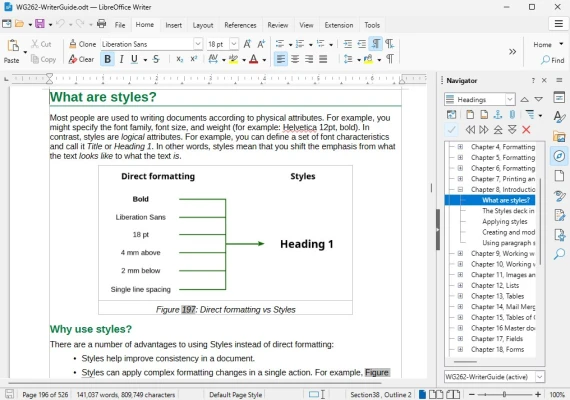
LibreOffice is a free and open-source office suite made by The Document Foundation, and it is one of the most popular choices for Linux users. It includes everything you need for everyday documents, spreadsheets and presentations — Writer, Calc, Impress, Draw, Base and Math — with no cost, no ads and no subscription.
Key Features
- Writer: a full word processor for letters, reports and long documents
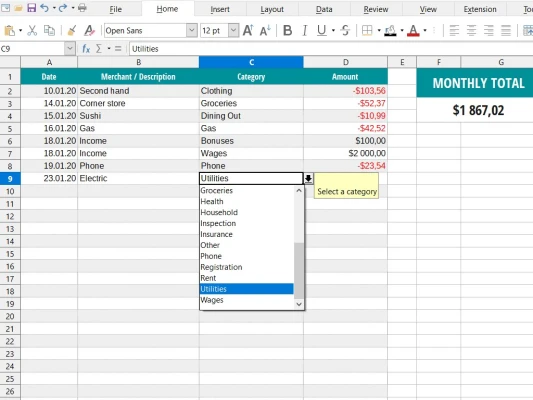
- Calc: powerful spreadsheets with formulas, charts and pivot tables
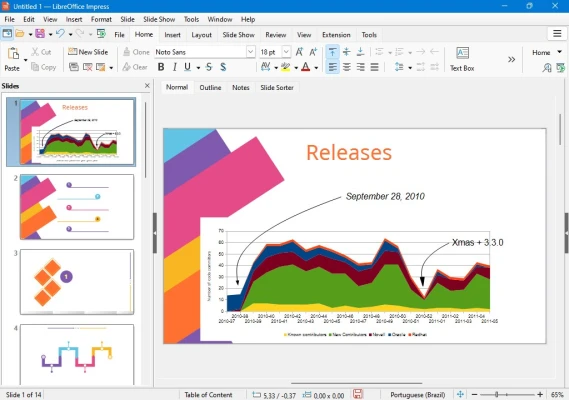
- Impress: presentations with animations, templates and slide masters
- Draw: diagrams, flowcharts and simple graphics
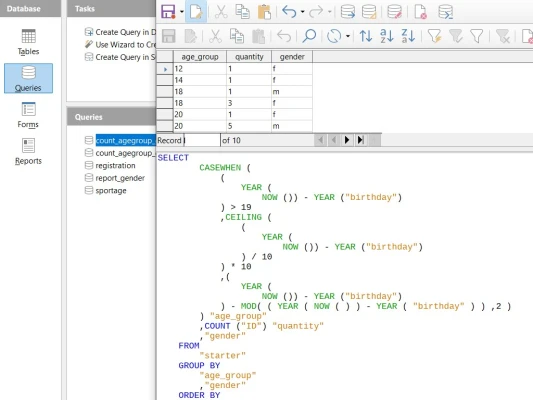
- Base and Math: databases and a formula editor for technical documents
- Opens Microsoft files: work with DOCX, XLSX and PPTX files, and save back in the same formats
- Open formats: saves in the open ODF standard, so your files stay yours
- Extensions and templates: add features and ready-made templates from the community
- Free and open source: no licence fees, no ads, no tracking
How to Install LibreOffice on Linux
1. Tap the download button on this page to open the official LibreOffice download page.
2. Choose the Linux package for your system (.deb for Debian/Ubuntu, .rpm for Fedora/openSUSE), or install it from your distribution's software centre with your package manager.
3. Install the package and open LibreOffice from your applications menu.
4. Pick Writer, Calc or Impress and start working — your documents open and save in familiar formats.