



Latest Version
161.0
November 28, 2026
Mozilla
Internet
Linux
0
Free
Report a Problem
More About Mozilla Firefox
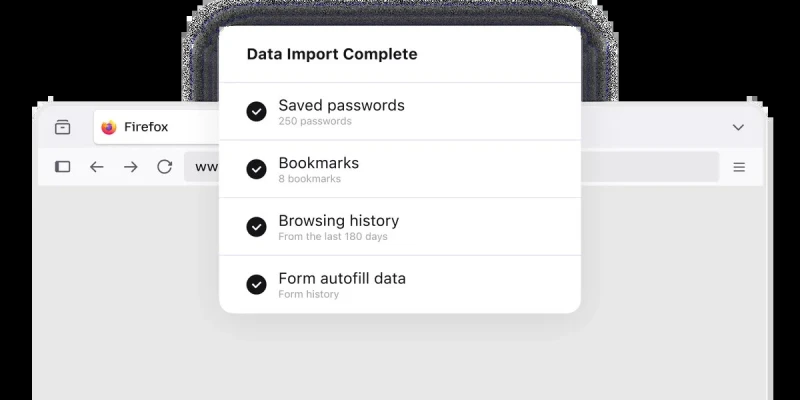
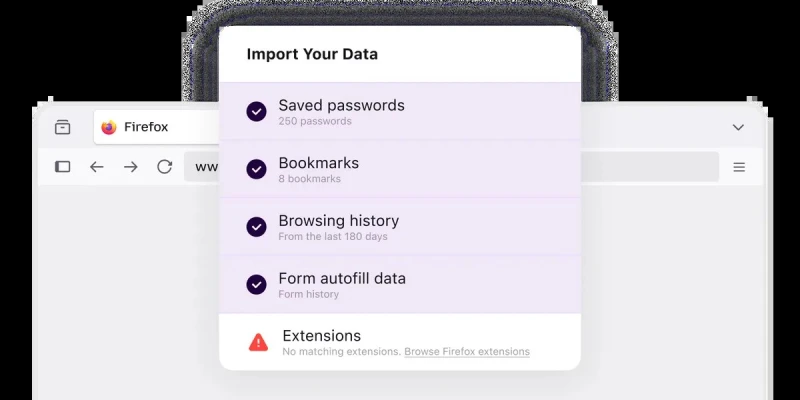
Mozilla Firefox is a free, open-source web browser made by the non-profit Mozilla Foundation, and it is one of the most popular choices for Linux users. It is fast, private by default and endlessly customisable — with strong tracking protection, thousands of extensions and sync across your devices. Key Features: Private by default — Enhanced Tracking Protection blocks trackers, cookies and fingerprinting. Fast and light — quick startup, low memory use and smooth browsing on older hardware. Extensions — thousands of free add-ons for ad blocking, password management and more. Tab tools — tab groups, vertical tabs, pinned tabs and a built-in picture-in-picture mode. Sync — bookmarks, passwords, history and open tabs follow you across devices. Customisable — themes, toolbars, a private browsing mode and a reader view for articles. Open source — built in the open by Mozilla and a worldwide community. PDF built in — view, fill and sign PDF forms without another app. Free forever — no cost, no ads in the browser, no account required. How to Install Firefox on Linux: 1. Tap the download button on this page to open the official Firefox download page. 2. Download the Linux 64-bit build, or install Firefox from your distribution's software centre or package manager (sudo apt install firefox on Ubuntu/Debian). 3. If you downloaded the archive, extract it and run the firefox file — or move it to /opt for all users. 4. Open Firefox, sign in to sync your bookmarks and passwords, and start browsing.