
Latest Version
Latest
November 27, 2026
Google LLC
Internet
Android
0
Free
com.android.chrome
Report a Problem
More About Google Chrome
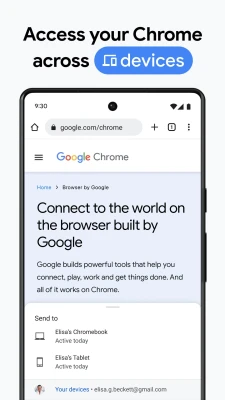
Google Chrome is the world's most popular web browser, built for speed, security and simplicity. Sign in with your Google account and your bookmarks, passwords, saved addresses and open tabs follow you across phone, tablet and computer.
Key Features
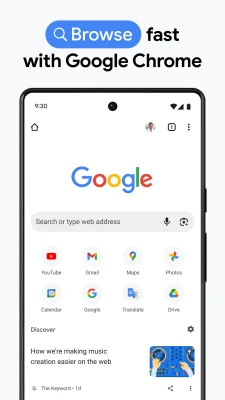
- Fast browsing: pages and searches load quickly, even on slower connections
- Search from the address bar: Google Search and suggestions as you type
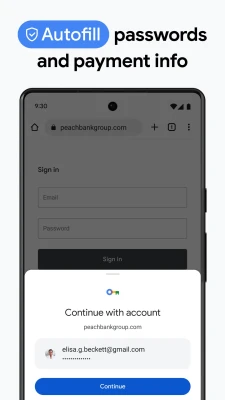
- Sync everywhere: bookmarks, history, passwords and payment methods across devices
- Incognito mode: browse privately without saving history
- Safe Browsing: warnings about dangerous sites, downloads and phishing
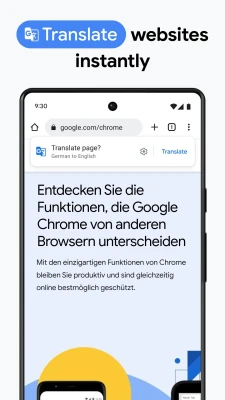
- Built-in tools: Google Translate, voice search and a reading list
How to Install Google Chrome on Android
1. Download Google Chrome from this page and open the file.
2. Sign in with your Google account to sync your data.
3. Import bookmarks or start fresh with the built-in start page.
4. Type a search or website address in the bar and start browsing.