

Latest Version
Latest
November 27, 2026
Google LLC
Travel & Local
Android
0
Free
com.google.android.apps.maps
Report a Problem
More About Google Maps
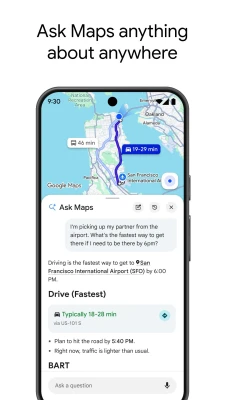
Google Maps is the world's most trusted navigation and local discovery app. Whether you are driving across town or exploring a new city, Maps gives you real-time traffic, accurate directions and rich information about millions of places.
Key Features
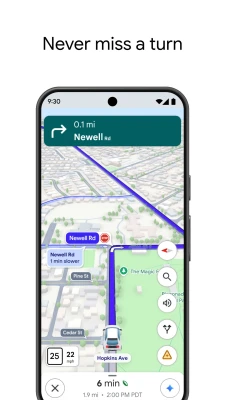
- Turn-by-turn navigation: voice-guided directions for driving, walking, cycling and transit
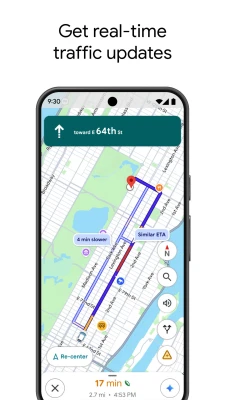
- Live traffic: real-time congestion, incidents and faster-route suggestions
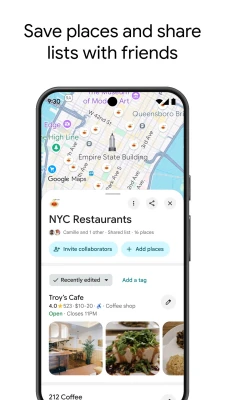
- Explore nearby: restaurants, petrol pumps, ATMs, hospitals and reviews with photos
- Offline maps: download areas and navigate without an internet connection
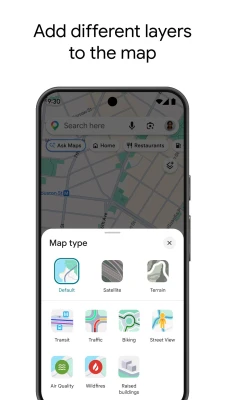
- Street View and satellite: preview places before you go
- Location sharing: share your live location with family and friends
How to Install Google Maps on Android
1. Download Google Maps from this page and open the file.
2. Allow location permission for accurate navigation.
3. Search for a destination and tap Directions.
4. Choose your transport mode and tap Start to begin navigation.