


Latest Version
Latest
November 27, 2026
Canva
Design
Android
0
Free
com.canva.editor
Report a Problem
More About Canva
Canva is a graphic design platform that lets anyone create professional-looking designs in minutes — no design experience needed. Start from thousands of ready-made templates for Instagram posts, logos, posters, invitations, presentations and videos, then customise everything with simple drag-and-drop editing.
Key Features
- Huge template library: designs for social media, marketing, documents and more
- Drag-and-drop editor: change text, photos, colours and layouts in seconds
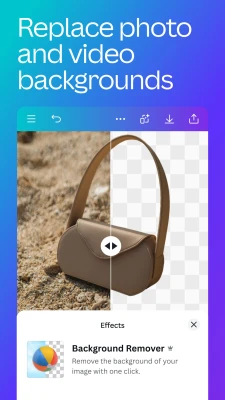
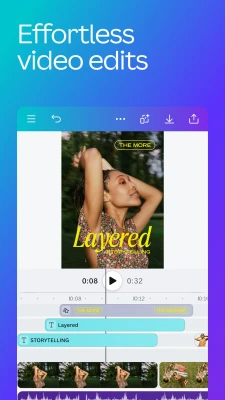
- Photo and video editing: filters, background remover and a video editor built in
- Elements and fonts: millions of photos, graphics, stickers and stylish fonts
- Brand tools: save your logo, colours and fonts for consistent designs
- Share anywhere: export as image, PDF or video, or share a link to collaborate
How to Install Canva on Android
1. Download Canva from this page and open the file.
2. Sign up free with your email or Google account.
3. Search for a template — try "Instagram post" or "logo".
4. Customise it, then download or share your design.