
Latest Version
Latest
November 28, 2026
Roblox Corporation
Games
Android
1
Free
com.roblox.client
Report a Problem
More About Roblox
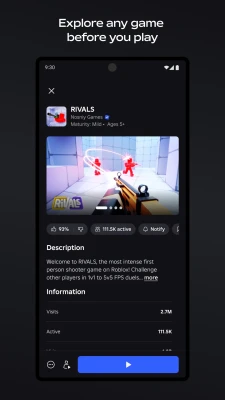
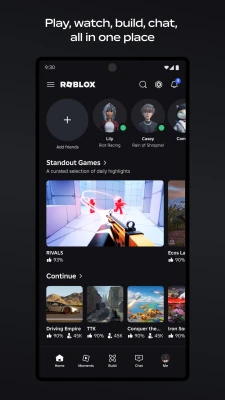
Roblox is a free app that opens the door to millions of games and virtual worlds, all made by players and creators around the world. Jump into an adventure game, role-play with friends, race, build, or explore — and when you are ready, you can create your own experiences for others to play too.
Key Features
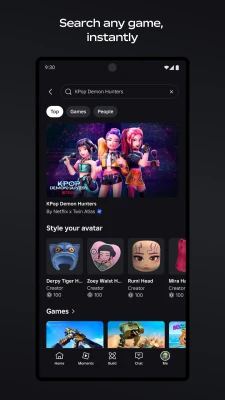
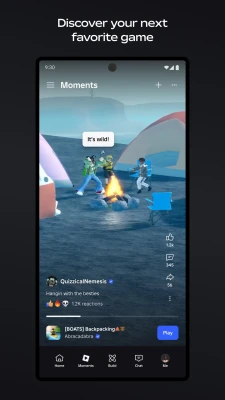
- Millions of games: adventure, role-play, racing, simulation, horror and more — new experiences appear every day
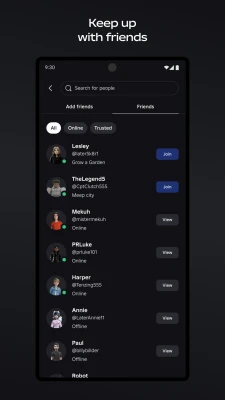
- Play together: join friends in the same world, chat and team up in real time
- Create your own: build games and worlds with Roblox Studio and share them with millions of players
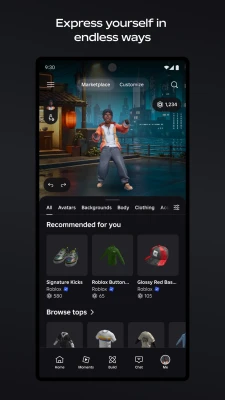
- Customise your avatar: dress your character with free and paid items, outfits and accessories
- Cross-platform: your account, friends and progress carry over to PC, console and other devices
- Safe play: parental controls, chat filters and reporting tools help keep younger players safe
- Regular updates: fresh events, new games and seasonal experiences all year round
- Free to play: downloading and playing Roblox costs nothing
How to Install Roblox on Android
1. Tap the download button on this page to open Roblox in the Google Play Store.
2. Tap Install and wait for the download to finish.
3. Open Roblox, sign in with your account or create a free one.
4. Pick a game from the home screen and tap Play to jump in.